Premium Ticketing Features To Create Events In The COVID Era
As we enter the second half of 2020, event regulations and gatherings seem to have caught on along with the phase-wise re-opening. Needless to say, many event organizers and venue…

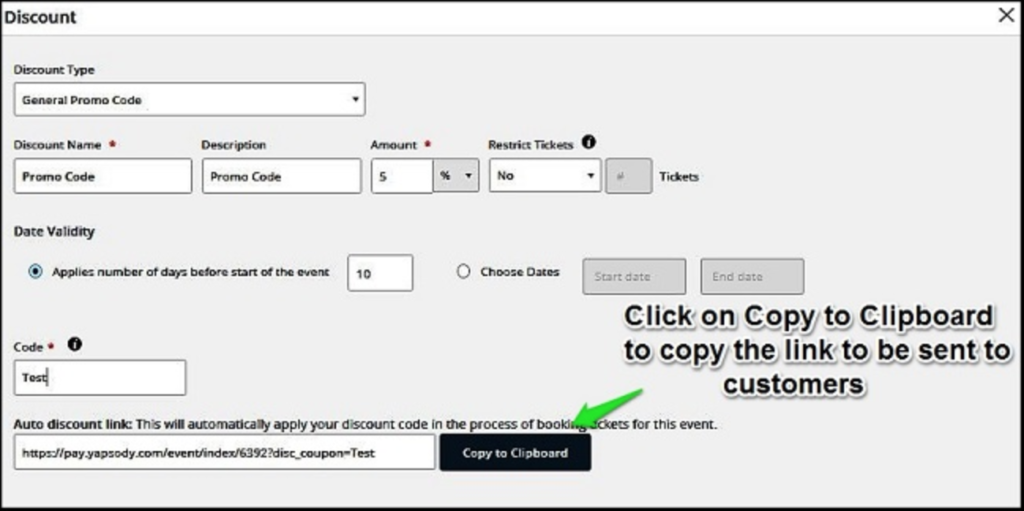
As an event presenter on Yapsody, you have the flexibility to add discounts for your ticket buyers based on different events and ticket selling phases. You can also send them a promo code link with which will be auto-applied to the transaction with the discount. This functionality only applies to the General Promo Code Discount type.
After you log in to your Yapsody account, head to the pricing tab.

Click on add discount to add a General Promo Code for your event. Learn more about adding discounts for your events.
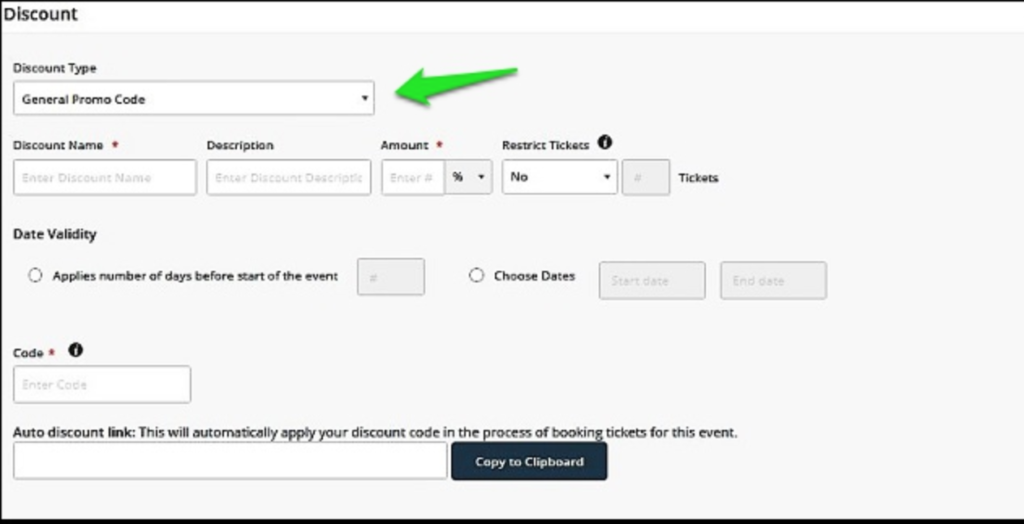
Enter all the required details to create your General Promo Code discount. The code link will be auto-generated at the bottom. Copy the link and send it to your ticket buyers who can then avail of the discount code.