
Premium Ticketing Features To Create Events In The COVID Era
As we enter the second half of 2020, event regulations and gatherings seem to have caught on along with the phase-wise re-opening. Needless to say, many event organizers and venue…

Keeping with the spirit of giving during the holiday season, we give out exclusive discounts for new and existing event presenters on our platform. These promo codes are valid on ticketing fees for every event ticket that you sell with us which can be redeemed while creating an event.
Start by logging in to your Yapsody account. If you’re a new presenter, you can sign up with Yapsody first and then proceed to the next steps.
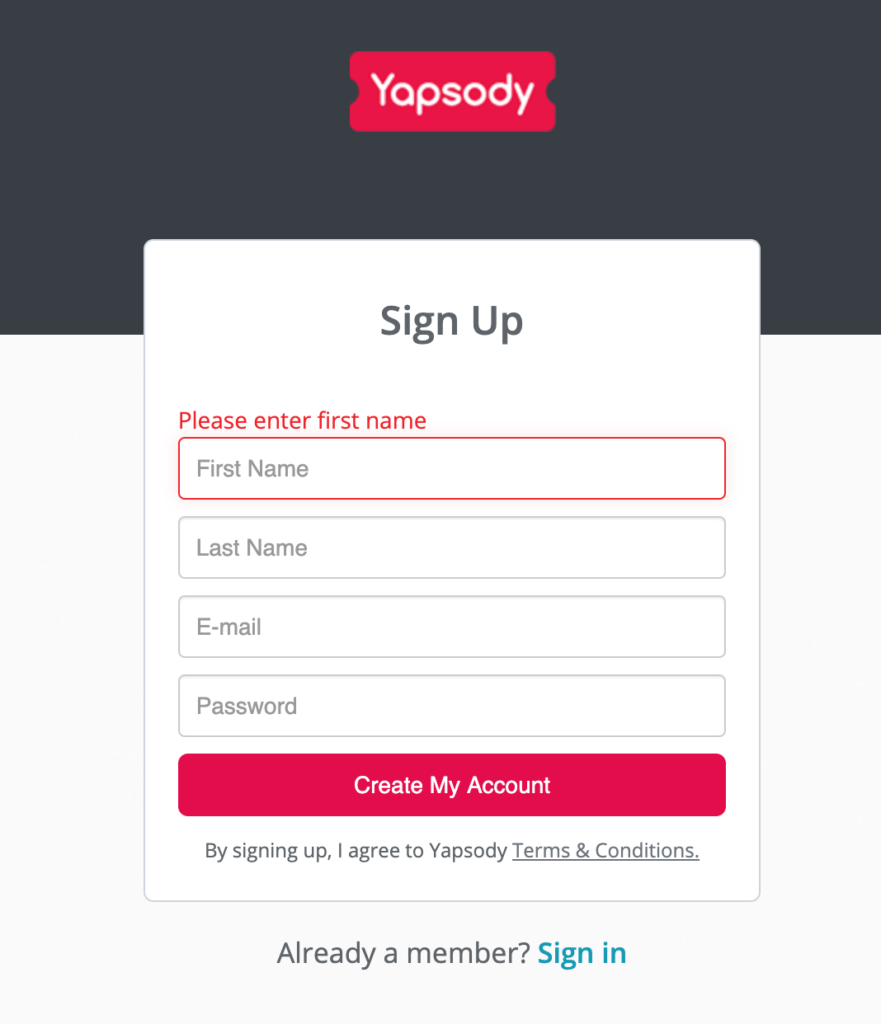
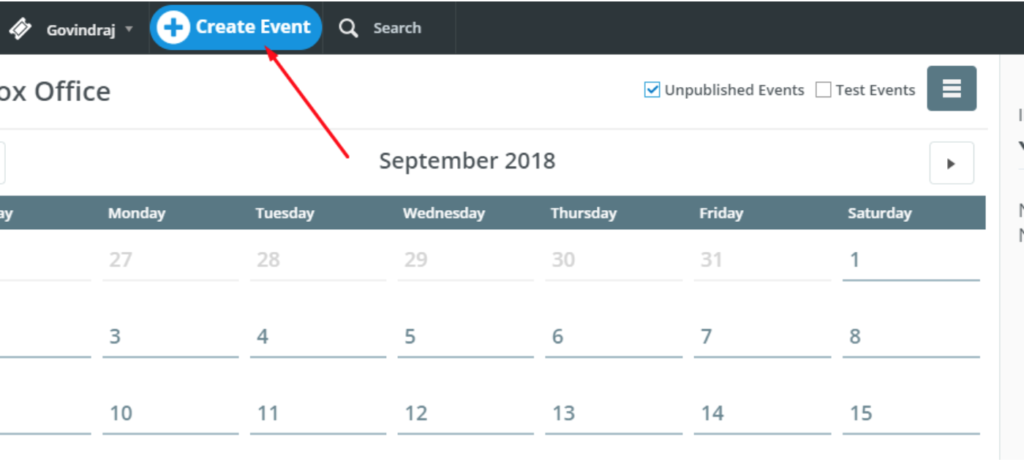
After logging in or signing up successfully, create an event on the dashboard.
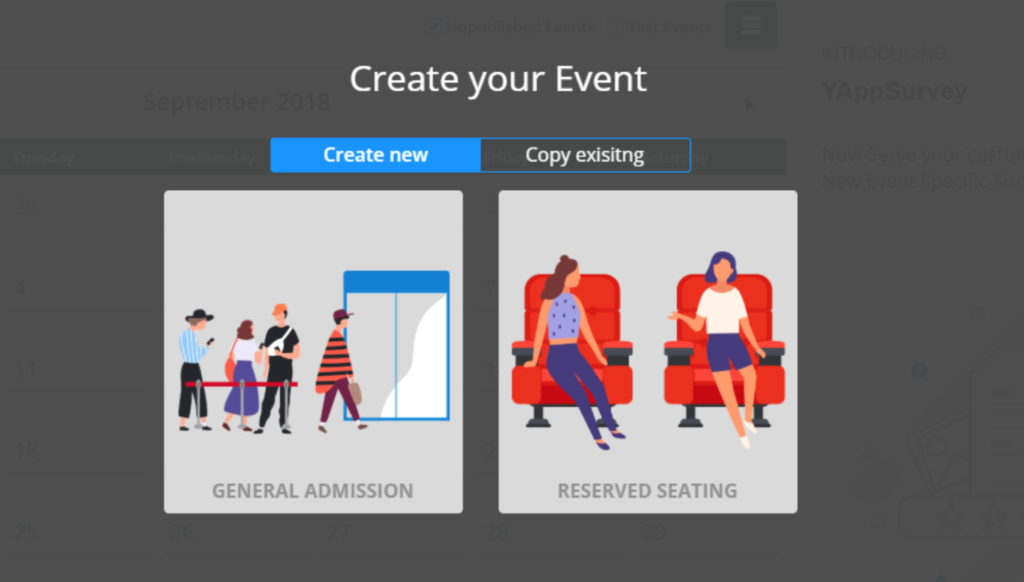
Select from a General Admission event or a Reserved Seating event.
Copy the code you have received from us and enter it in the promo code field shown below to verify it.






